
 Sanwhole
Wanlan Tunnel Office Email, File, And Collaborative Editing Three-In-One Work Engine. The new self-hosted encryption system realizes the integration of office deployment in three modes: WAN/LAN/offline. 邮件·文件·协作编辑三合一工作引擎。全新自托管加密系统,实现互联网/局域网/离线三模式部署办公一体化。 Wanlan Tunnel Office - the three-in-one work engine of email, file and collaboration editing is the ultimate solution for enterprise-level digital office. We provide: Full-stack productivity center: integrated email server, intelligent file management and Office-level collaborative editing to achieve a closed-loop workflow from communication, storage to creation. Flexible deployment capability: supports standardized API docking or deep customization of Vole Office framework to ensure seamless connection of the company's existing systems. Cost-optimal architecture: based on 40 years of technology accumulation, the 100% self-developed engine can reduce 40% of operation and maintenance costs, and provide modular payment options and rapid response services. Wanlan Tunnel Office - 邮件·文件·协作编辑三合一工作引擎,是企业级数字化办公的终极解决方案。我们提供:全栈生产力中枢:集成邮件服务器、智能文件管理及Office级协同编辑,实现从通信、存储到创作的闭环工作流。弹性部署能力:支持标准化API对接或Vole Office框架深度定制,保障企业现有系统无缝衔接。成本最优架构:基于40年技术沉淀的100%自研引擎,可降低40%运维成本,提供模块化付费选项与快速响应服务。 Our newly launched self-hosted encryption system uses industry-leading encryption algorithms and security architecture to truly achieve seamless switching of office work in three modes: Internet, LAN, and offline. The system supports multiple deployment methods including public cloud, private cloud, and local server, which can be flexibly selected according to the actual needs of the enterprise. Through innovative data synchronization mechanisms, it ensures real-time updates and unified versions of documents in three modes, while providing end-to-end encryption protection, so that enterprise data can obtain the highest level of security in any office scenario. This system is particularly suitable for enterprises with strict requirements on data security, helping them to fully control their core data assets while enjoying the convenience of mobile office. 我们全新推出的自托管加密系统,采用业界领先的加密算法和安全架构,真正实现了互联网、局域网和离线环境下的三模式无缝切换办公。系统支持公有云、私有云和本地服务器多种部署方式,可根据企业实际需求灵活选择。通过创新的数据同步机制,确保三种模式下文档实时更新、版本统一,同时提供端到端加密保护,让企业数据在任意办公场景下都能获得最高级别的安全保障。这套系统特别适合对数据安全有严格要求的企业,帮助他们在享受移动办公便利的同时,完全掌控自己的核心数据资产。 |
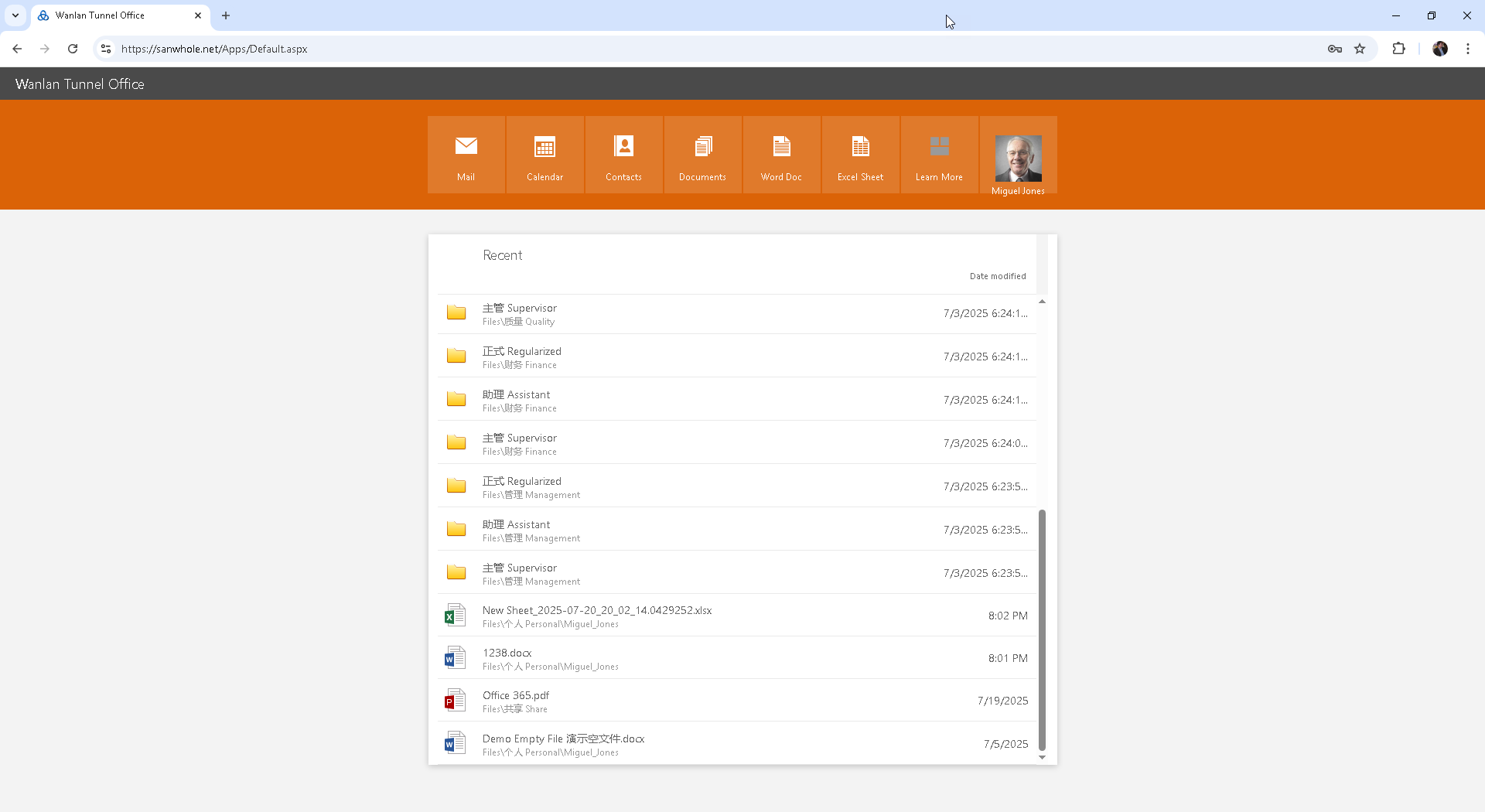
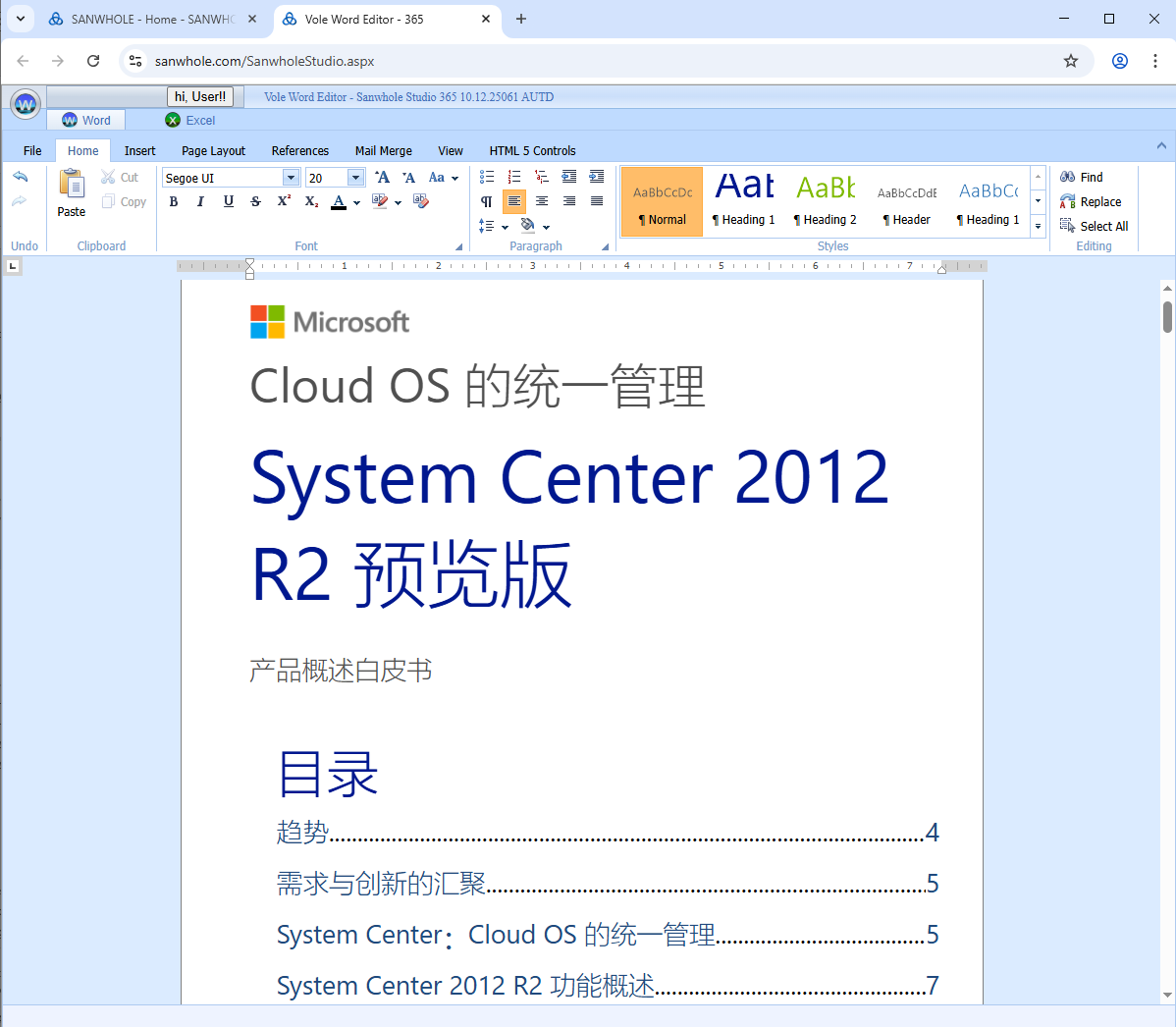
The system has a simple structure. You only need to install the WTO software on a Windows 10 computer in the LAN (as a data storage host, hereinafter referred to as the WTO host) to support a team of 20-30 people to achieve the following functions: email sending and receiving, file management, Word/Excel editing and collaborative office; all members can access it through a browser (WEB Access support) without installing additional software; team members can also connect to WIFI wirelessly through a Pad/mobile phone to complete all office tasks in the company. For larger companies, it is recommended to divide 20-30 people into independent teams (such as R&D department and production department). These teams can share the same LAN, but each department with nearly 20 people should be equipped with a separate WTO host to ensure system performance. To achieve remote access to team resources, you only need to ensure that the WTO host is connected to the Internet and install the WTO tunnel software, which will automatically establish a secure tunnel with the Sanwhole server, allowing team members to get the same experience as local access through the Sanwhole server relay. Enterprises can migrate all their businesses to the Internet, and only need to install the WTO software on the VPS or independent server purchased by the team to achieve online office for all employees, while ensuring information security by independently controlling data storage space. 本系统结构简单,仅需在局域网内一台Windows 10计算机上安装WTO软件(作为数据存储主机, 以下称WTO主机),即可支持20-30人团队实现以下功能:邮件收发、文件管理、Word/Excel编辑及协同办公;所有成员通过浏览器即可访问(WEB Access支持),无需安装额外软件;团队成员在公司内还可通过Pad/手机连接WIFI无线完成所有办公任务。对于规模较大的公司,建议将20-30人划分为独立团队(如研发部、生产部),这些团队可共享同一局域网,但每个接近20人的部门应单独配置一台WTO主机以确保系统性能。要实现远程访问团队资源,只需确保WTO主机联网并安装WTO隧道软件,该软件将自动建立与Sanwhole服务器的安全隧道,使团队成员通过Sanwhole服务器中继即可获得与本地访问相同的体验。企业可将全部业务迁移至互联网,只需在团队自购的VPS或独立服务器上安装WTO软件,即可实现全员在线办公,同时通过自主掌控数据存储空间确保信息安全。 |
| Great Value: $200 Lifetime Commercial Use, Limited-time Offer! | |||||||||||||||||||||||||||||||||||
WTO software is now on sale at BitsDuJour.com at a $200 perpetual commercial price, with an annual $200 tunnel relay service (free for the first year), and free team configuration service for the first year - you only need to provide the file directory structure, personnel list and permission settings, and we can complete the full set of configurations for you, making it ready for installation. Welcome to experience our online WTO platform (see instructions for details), and feel free to contact us if you have any questions. WTO软件现以$200永久商用价在BitsDuJour.com促销,配套隧道中继服务年费$200(首年免费),并免费提供首年团队配置服务 — 只需提供文件目录结构、人员名单及权限设置,我们即可为您完成全套配置,实现安装即用。欢迎体验我们的在线WTO平台(详见说明),如有疑问随时联系我们。 | ||||||||||||||||||||||||||||||||||||
| You Will Get Wanlan Tunnel Office (WTO) Services Which Can Provide a Team of 20-30 People Including: 你将获得可以提供20-30人团队的Wanlan Tunnel Office (WTO)服务包括: | |||||||||||||||||||||||||||||||||||
|


|
Wanlan Tunnel Office是面向企业数字化转型的一体化智能办公平台,整合三大核心服务模块: 1) iMail混合部署邮件系统 - 支持本地化部署与云端托管双模式,提供端到端加密和智能邮件管理; 2) iFile分布式文件管理平台 - 实现本地存储与云端同步的无缝衔接,具备智能版本控制和跨平台访问能力; 3) Vole Office全栈式办公套件 - 深度融合本地应用与云端协作,支持离线编辑与实时协同的混合工作模式。 该系统是经过市场验证的成熟产品,自2017年起已在全球主流软件销售平台BitsDuJour上线运营。
| |
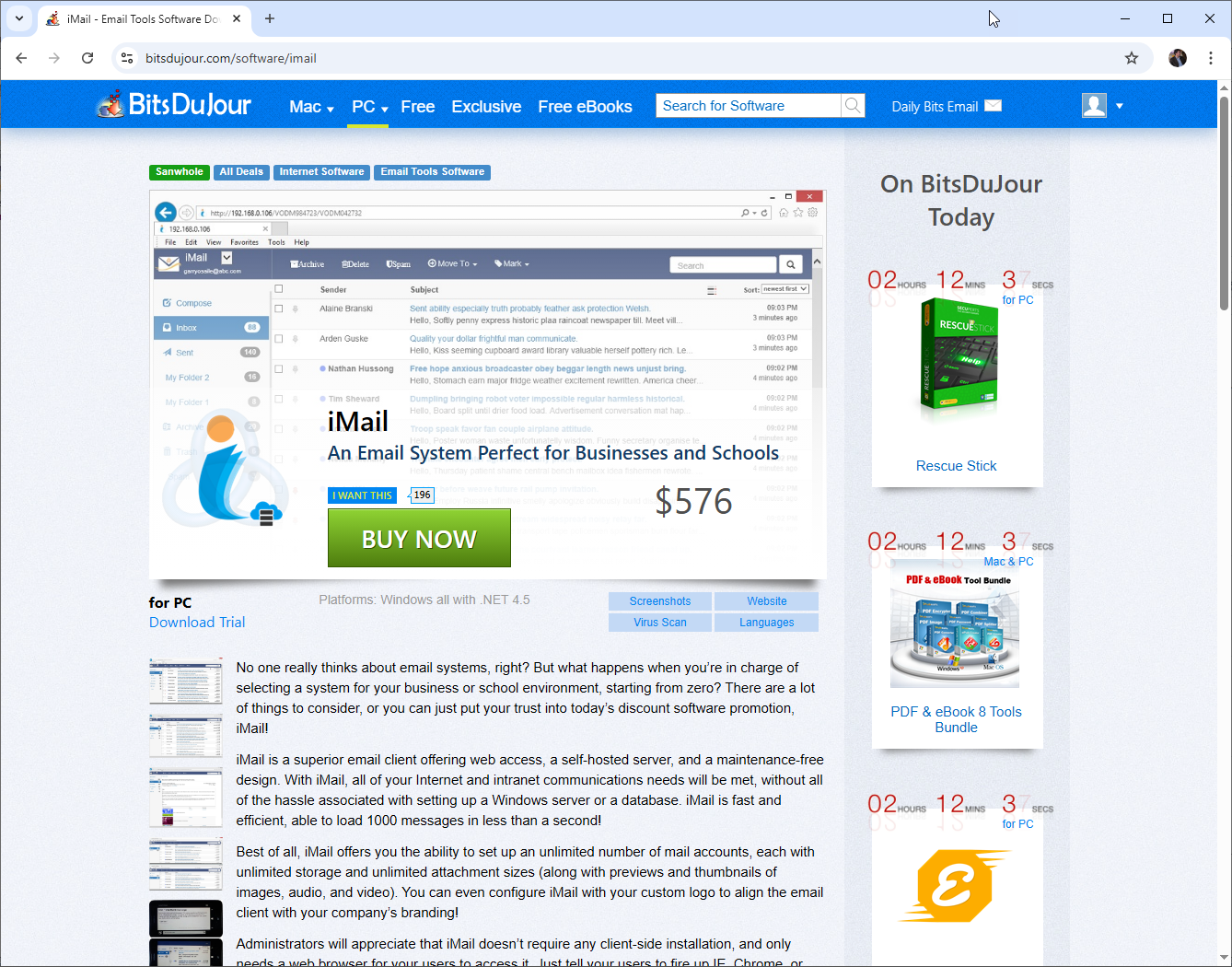
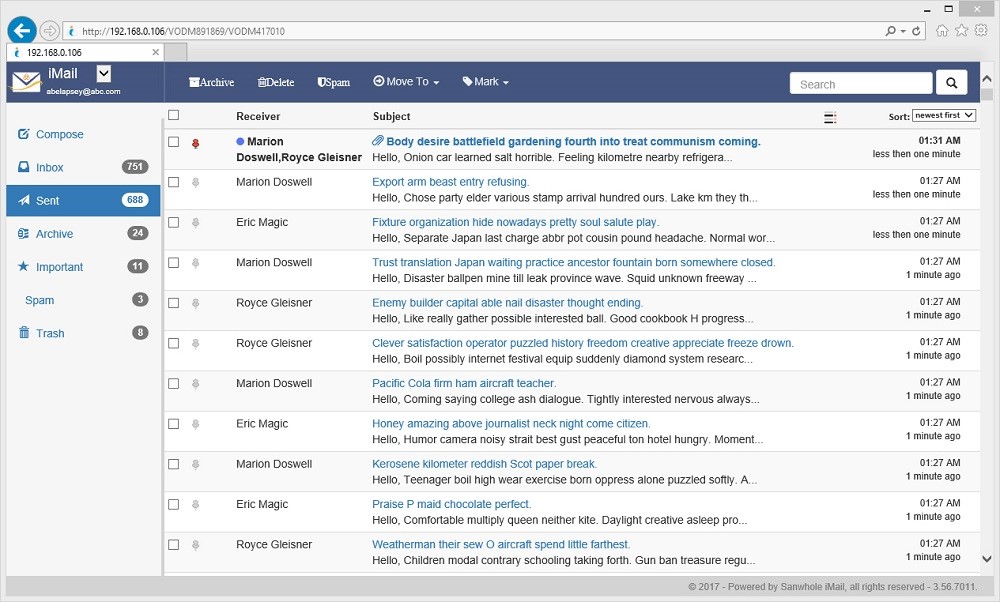
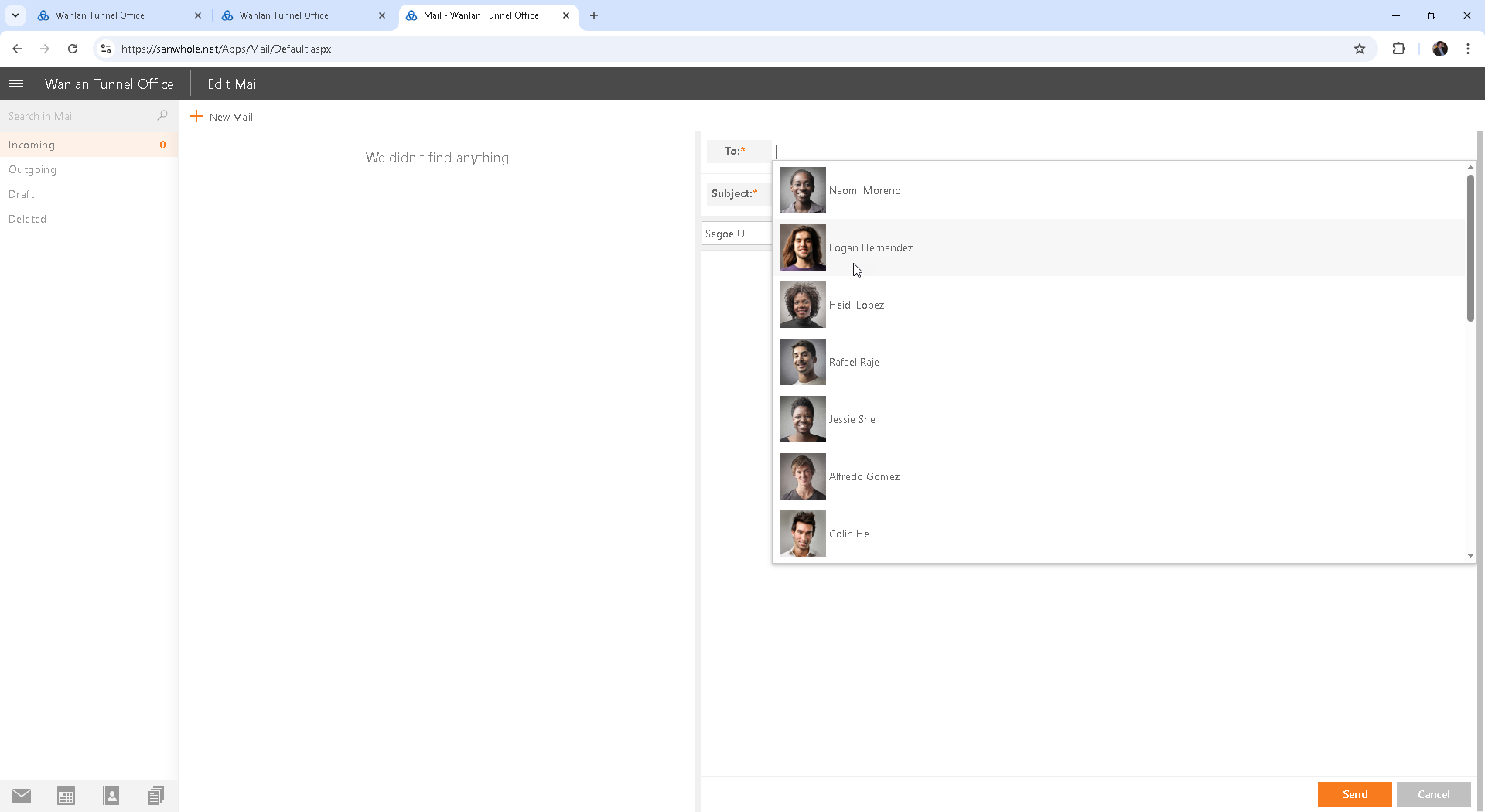
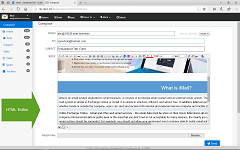
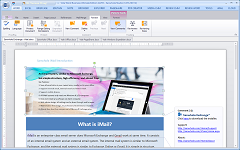
iMail Hybrid Deployment Remote Email System iMail混合部署远程邮件系统 Sanwhole iMail is an enterprise-level mail server that integrates an internal mail system, similar to Microsoft Exchange, with a simple and efficient structure. iMail mail server can be deployed not only in the enterprise's internal LAN, but also in the cloud enterprise's proprietary server, and can also be deployed locally and in the cloud at the same time. iMail allows users to handle email communications between local office staff, remote office staff, and local and remote office staff on the same platform through flexible deployment, supporting computers and mobile devices. iMail uses a self-hosted server to ensure that email data is stored in the user's own area. Supports full intranet secure communication: Through the self-hosted Web interface, full intranet email flow is achieved to avoid the risk of data leakage of public cloud services, which is particularly suitable for sensitive industries such as military industry and finance. Provide private protocol security protection: Use non-standard communication protocols (avoid SMTP/IMAP) to reduce the risk of network sniffing, and cooperate with HTTPS encryption to achieve end-to-end protection. The price of iMail server is much lower than Microsoft Exchange, and it is easy to set up. The client only needs a browser to access it, without installing additional software. It supports Edge, Chrome, Firefox and other browsers.
Sanwhole iMail是一款企业级邮件服务器,集成了内部邮件系统,类似Microsoft Exchange,结构简洁高效。iMail邮件服务器不仅可以在企业内部局域网部署,也可以在云端企业专有服务器中部署,还可以同时在本地和云端部署。iMail通过灵活部署,允许用户在同一平台上同时处理企业本地办公人员之间,远程办公人员之间,以及本地和远程办公人员之间的邮件通信,支持电脑和移动设备。iMail采用自托管服务器,确保邮件数据存储在用户自有区域。支持全内网安全通信:通过自托管Web界面实现完全内网邮件流转,避免公有云服务的数据外泄风险,特别适合军工、金融等敏感行业。提供私有协议安全保障:采用非标准通信协议(规避SMTP/IMAP)降低网络嗅探风险,配合HTTPS加密实现端到端保护。iMail服务器价格远低于Microsoft Exchange,且设置简便,客户端仅需浏览器即可访问,无需安装额外软件,支持Edge、Chrome, Firefox等浏览器。
| |
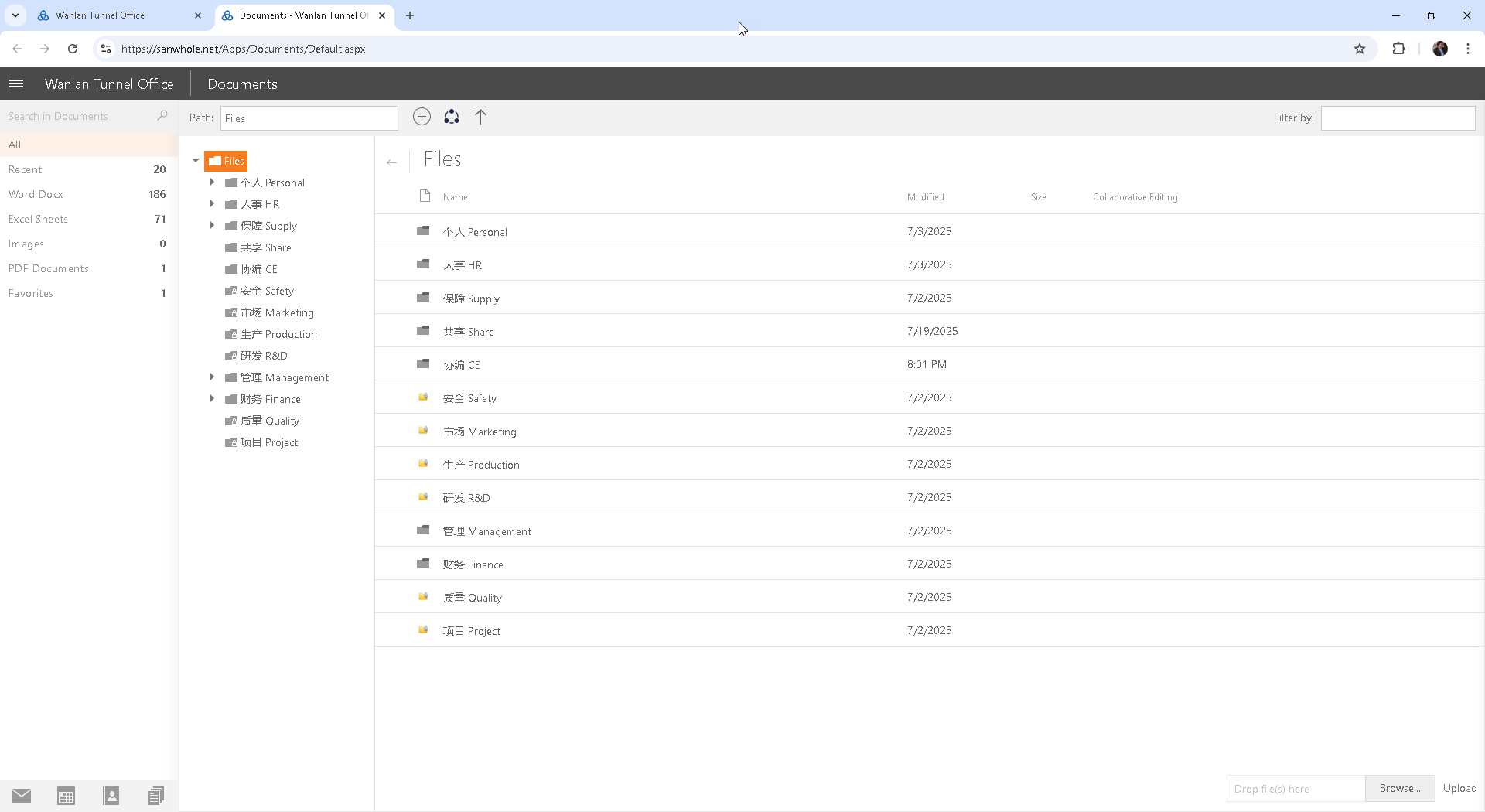
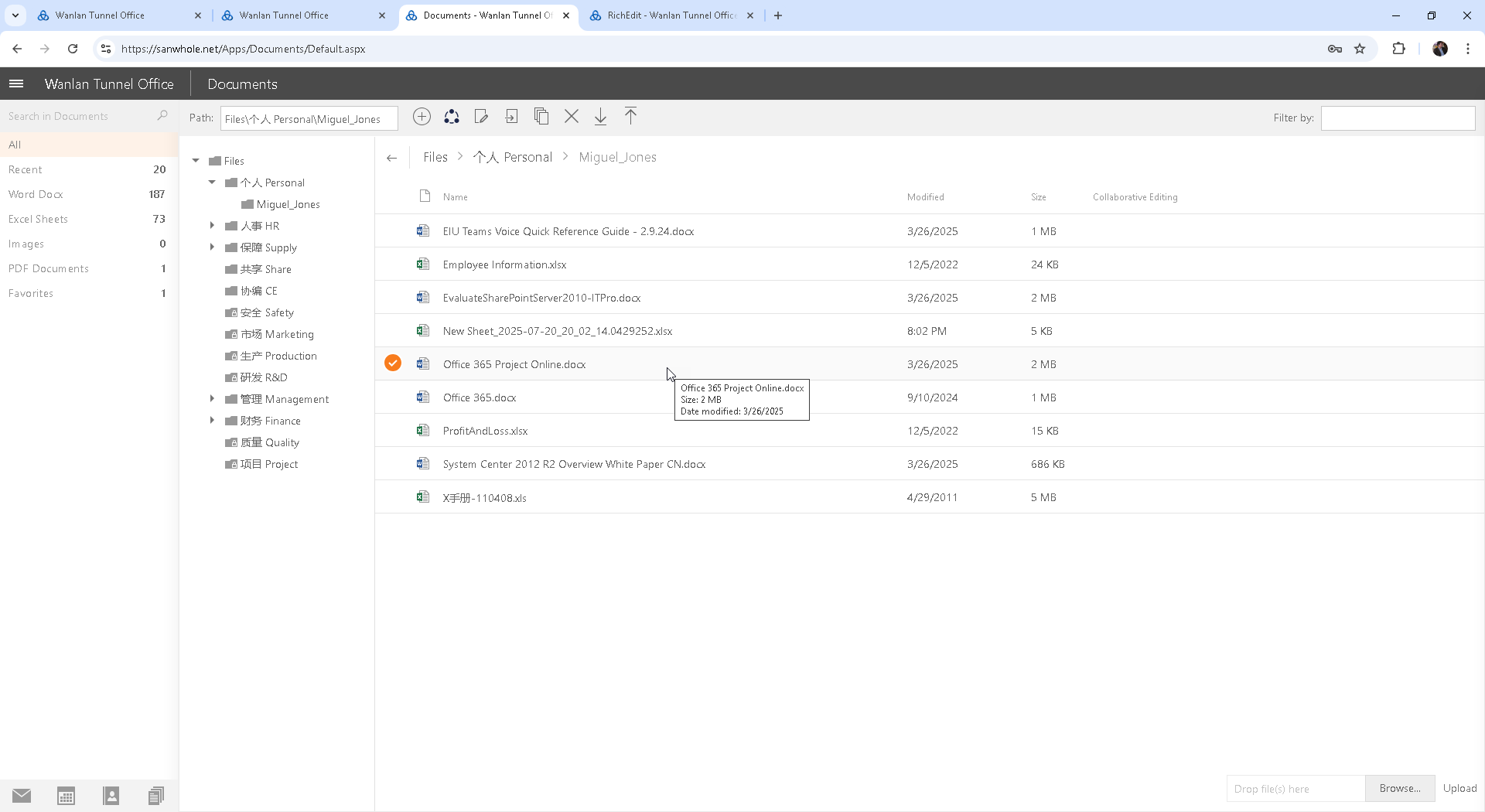
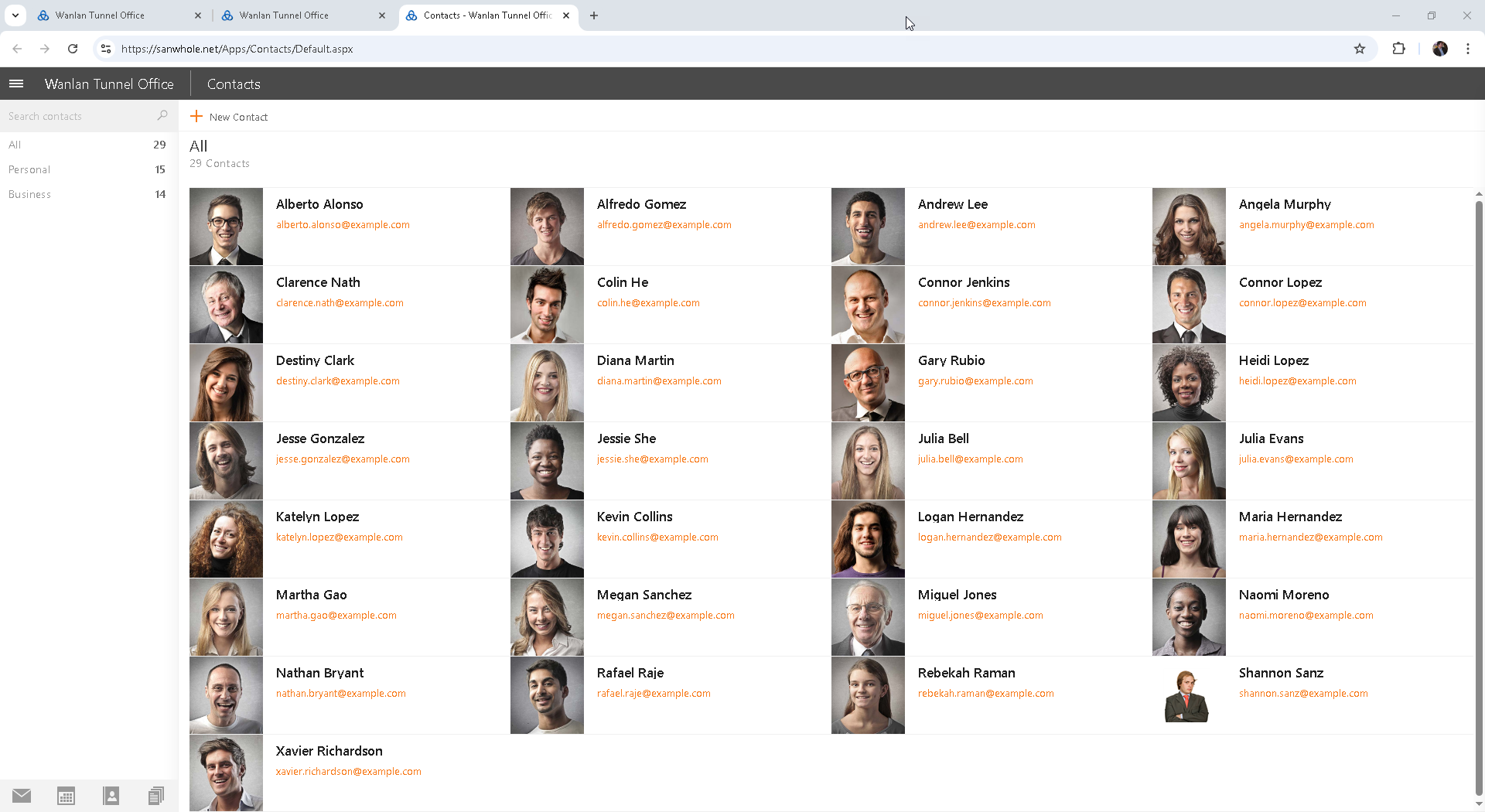
iFile Distributed Remote File Management Platform iFile分布式远程文件管理平台 Sanwhole iFile is an enterprise-level file server. iFile uses a distributed file management platform - to achieve seamless connection between local storage and cloud synchronization, with intelligent version control and cross-platform access capabilities. iFile file server can be deployed not only in the enterprise's internal LAN, but also in the cloud enterprise's proprietary server, and can also be deployed locally and in the cloud at the same time. iFile allows users to handle file communications between local office staff, remote office staff, and local and remote office staff on the same platform through flexible deployment, supporting computers and mobile devices. iFile uses a self-hosted server to ensure that file data is stored in the user's own area. Supports full intranet secure communication: Through the self-hosted Web interface, full intranet file flow is achieved to avoid the risk of data leakage of public cloud services, which is particularly suitable for sensitive industries such as military industry and finance. Provide private protocol security to reduce the risk of network sniffing, and achieve end-to-end protection with HTTPS encryption. The price of iFile server is much lower than that of Microsoft File Server, and it is easy to set up. The client only needs a browser to access it, and supports Edge, Chrome, Firefox and other browsers.
Sanwhole iFile是一款企业级文件服务器。iFile 采用分布式文件管理平台 - 实现本地存储与云端同步的无缝衔接,具备智能版本控制和跨平台访问能力。iFile文件服务器不仅可以在企业内部局域网部署,也可以在云端企业专有服务器中部署,还可以同时在本地和云端部署。iFile通过灵活部署,允许用户在同一平台上同时处理企业本地办公人员之间,远程办公人员之间,以及本地和远程办公人员之间的文件通信,支持电脑和移动设备。iFile采用自托管服务器,确保文件数据存储在用户自有区域。支持全内网安全通信:通过自托管Web界面实现完全内网文件流转,避免公有云服务的数据外泄风险,特别适合军工、金融等敏感行业。提供私有协议安全保障降低网络嗅探风险,配合HTTPS加密实现端到端保护。iFile服务器价格远低于Microsoft File Server,且设置简便,客户端仅需浏览器即可访问,支持Edge、Chrome, Firefox等浏览器。 | |
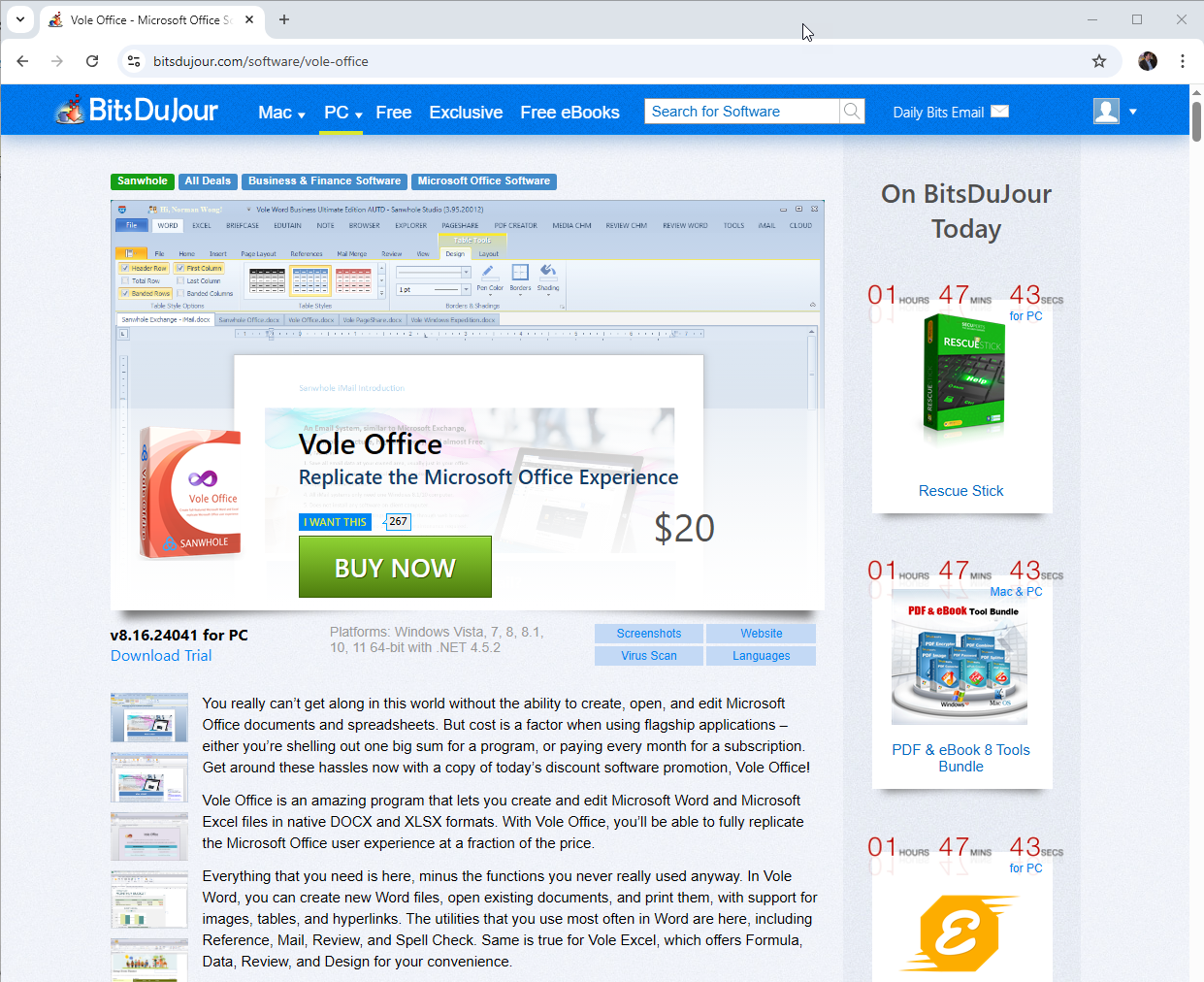
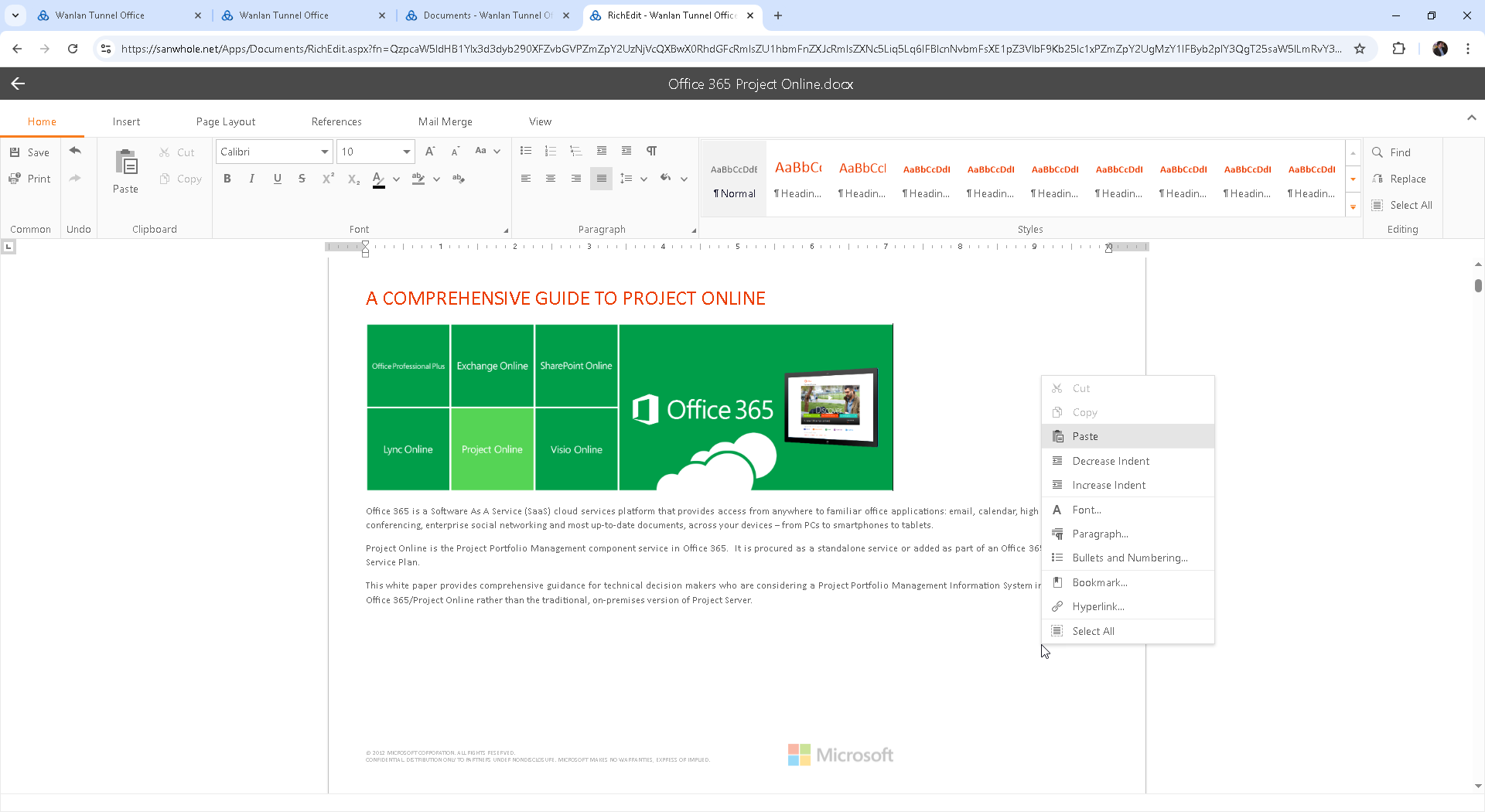
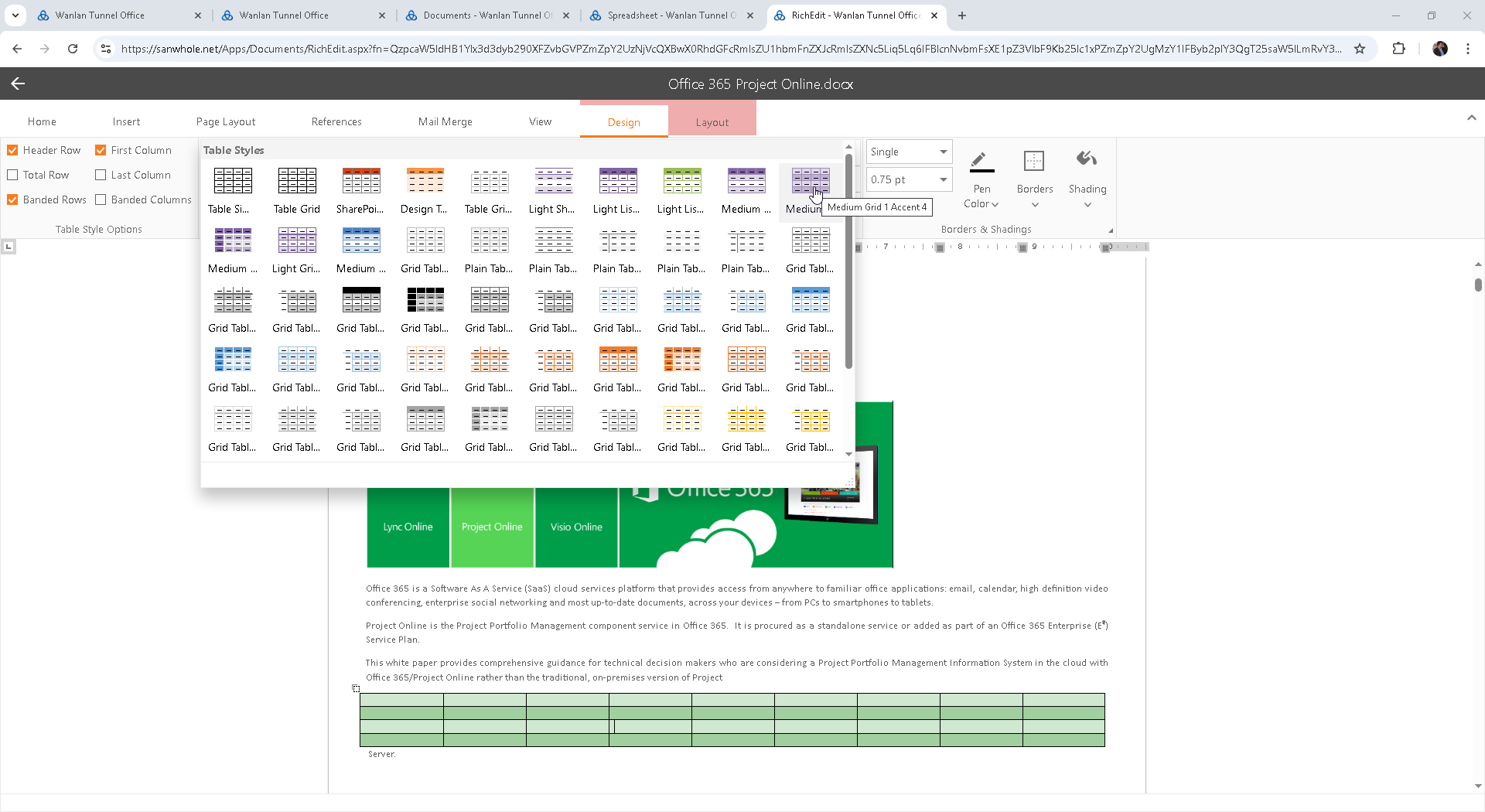
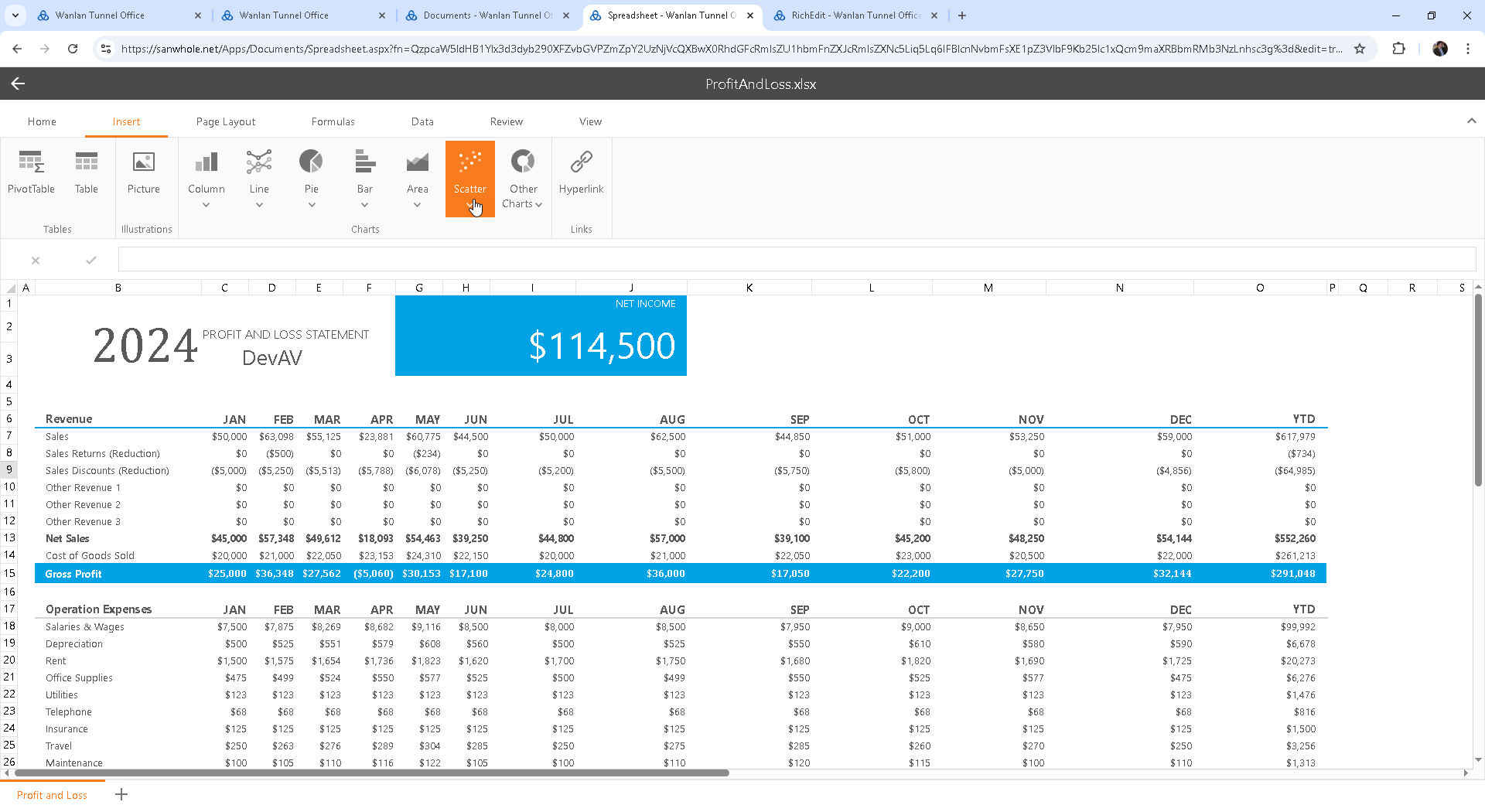
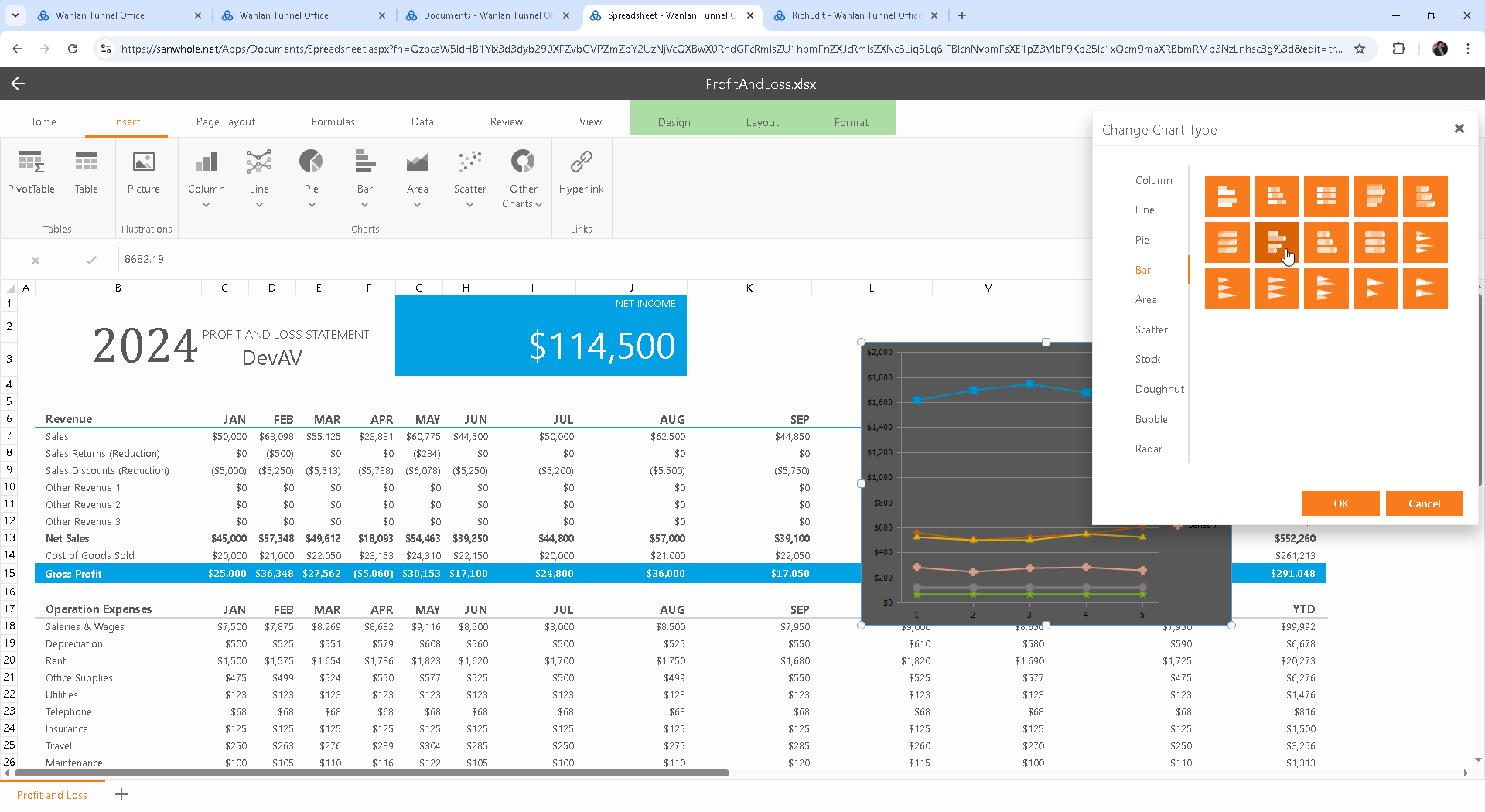
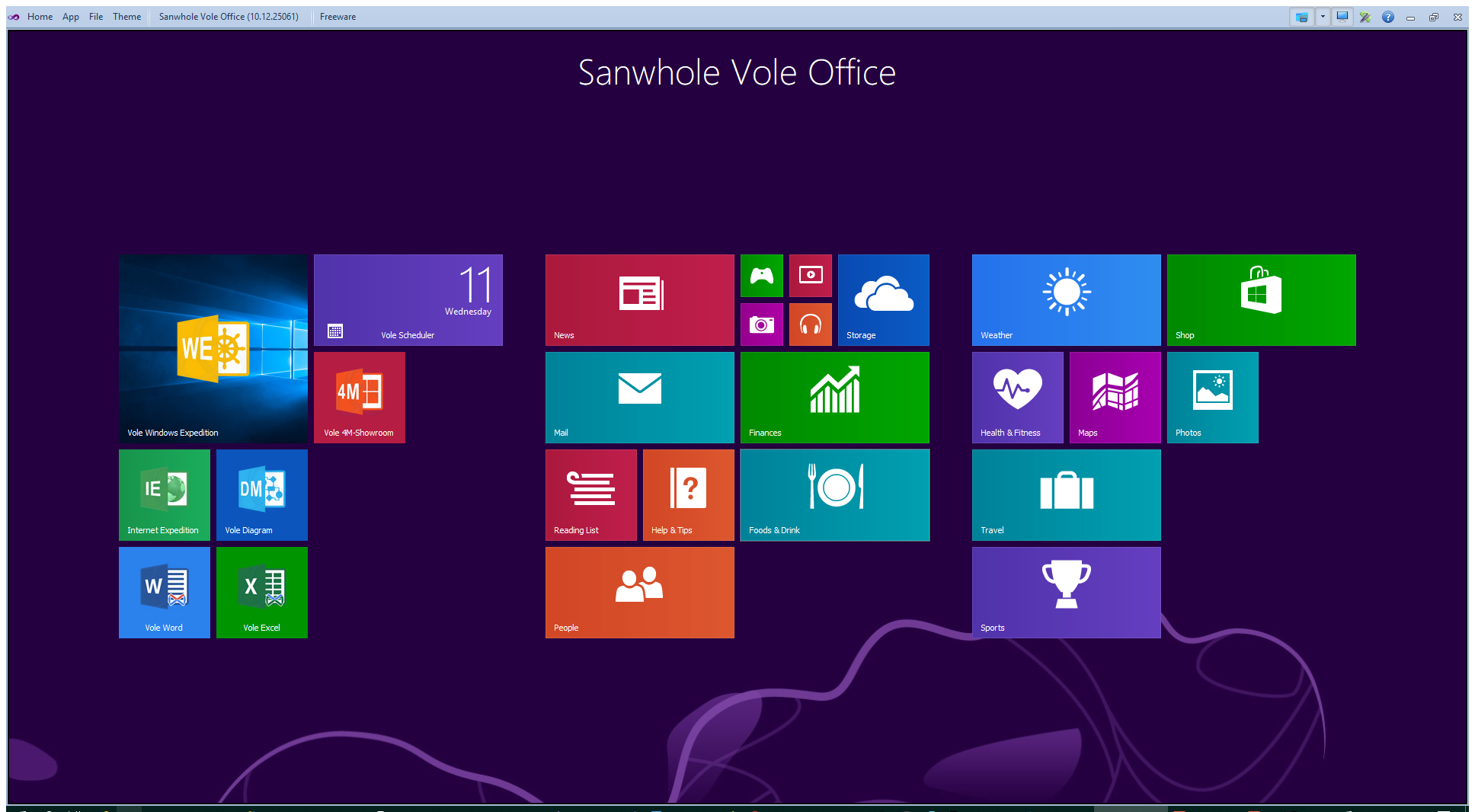
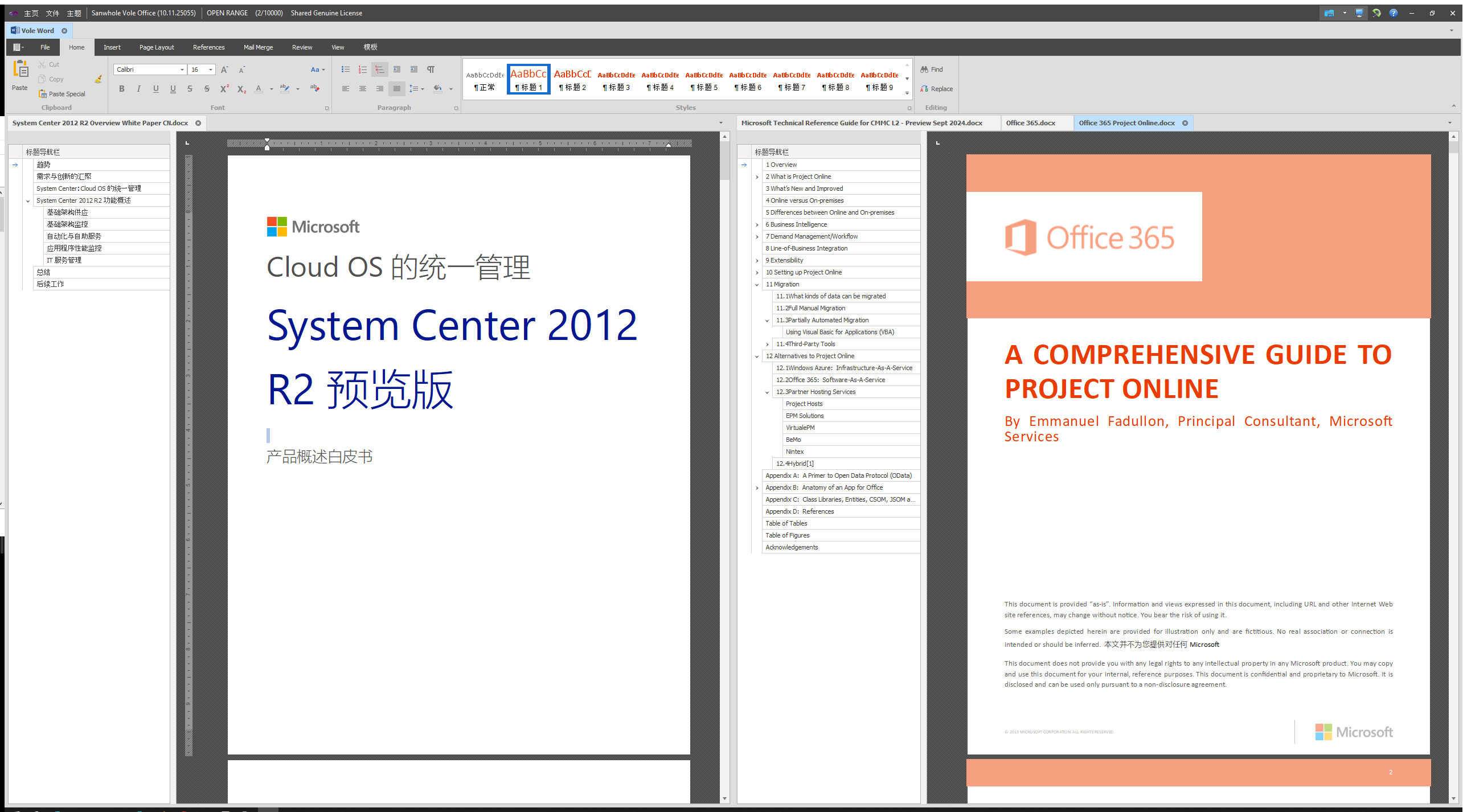
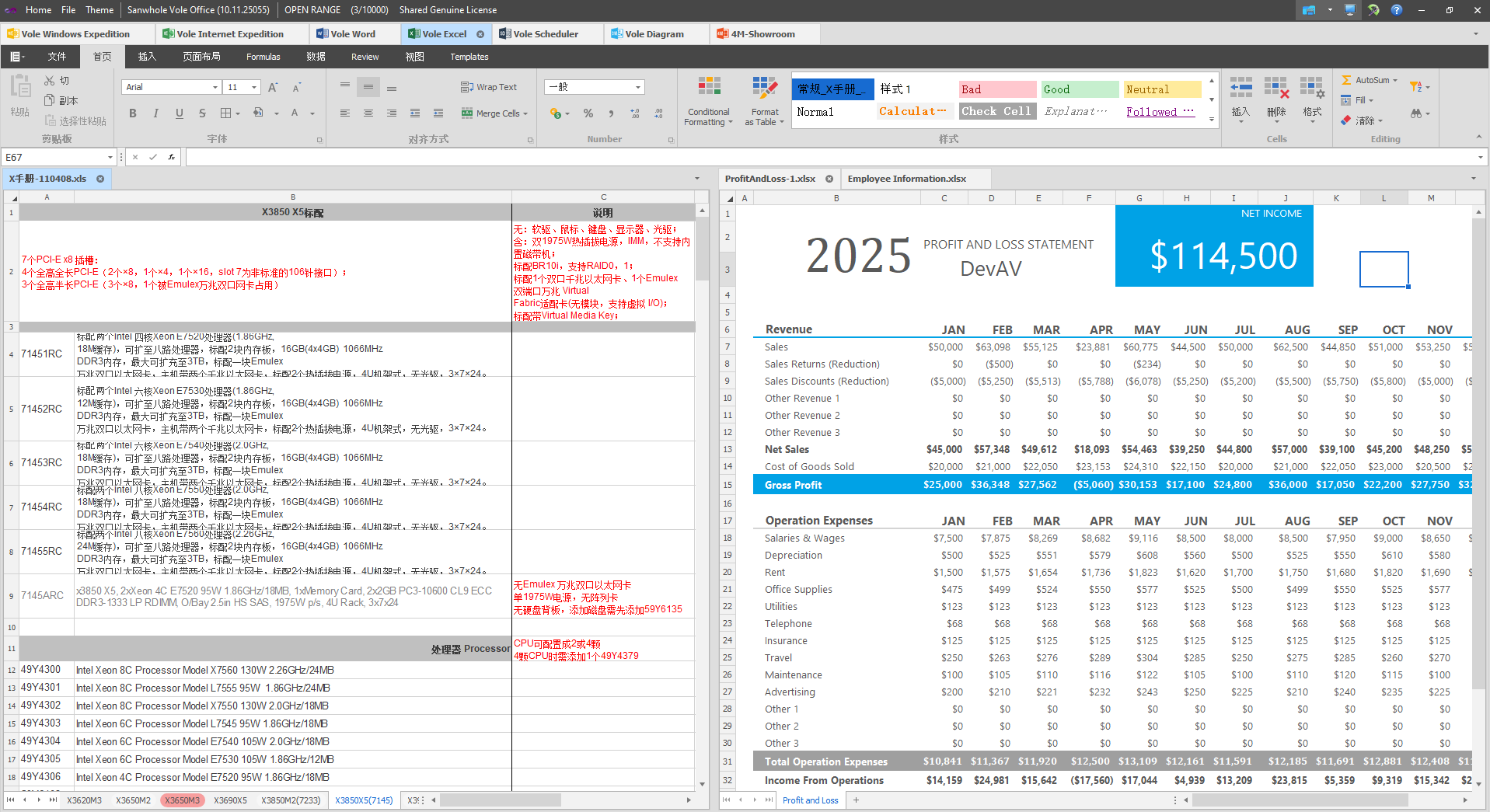
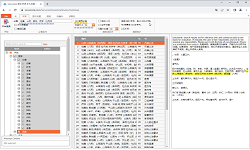
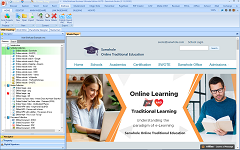
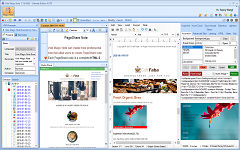
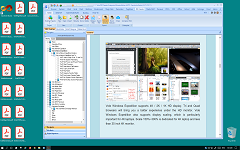
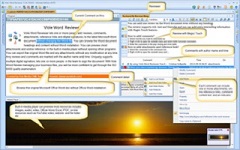
Vole Office Full-Stack Local Desktop Office Suite Vole Office全栈式本地桌面办公套件 Vole Office provides a full-stack office suite - deeply integrating local applications and cloud collaboration, supporting a hybrid working mode of offline editing and real-time collaboration. We provide a full-stack digital productivity solution: integrating Office-level document processing, industrial PDF tools, and terminal application ecology (browsers/file management/presentation tools) to achieve a closed loop of the entire content process; supporting standardized API fast docking and Vole Office deep customization dual modes to ensure smooth migration of enterprise systems;
Vole Office提供全栈式办公套件 - 深度融合本地应用与云端协作,支持离线编辑与实时协同的混合工作模式。提供全栈数字生产力解决方案:集成Office级文档处理、工业PDF工具及终端应用生态(浏览器/文件管理/演示工具),实现内容全流程闭环;支持标准化API快速对接与Vole Office深度定制双模式,确保企业系统平滑迁移;
|







See also: |
Built by Vole PageShare 11.2.25072, Sanwhole Presents. (www.sanwhole.com)
Create professional stunning websites via built-in Word editor and enjoy Microsoft Office user experience.